Personal conversation
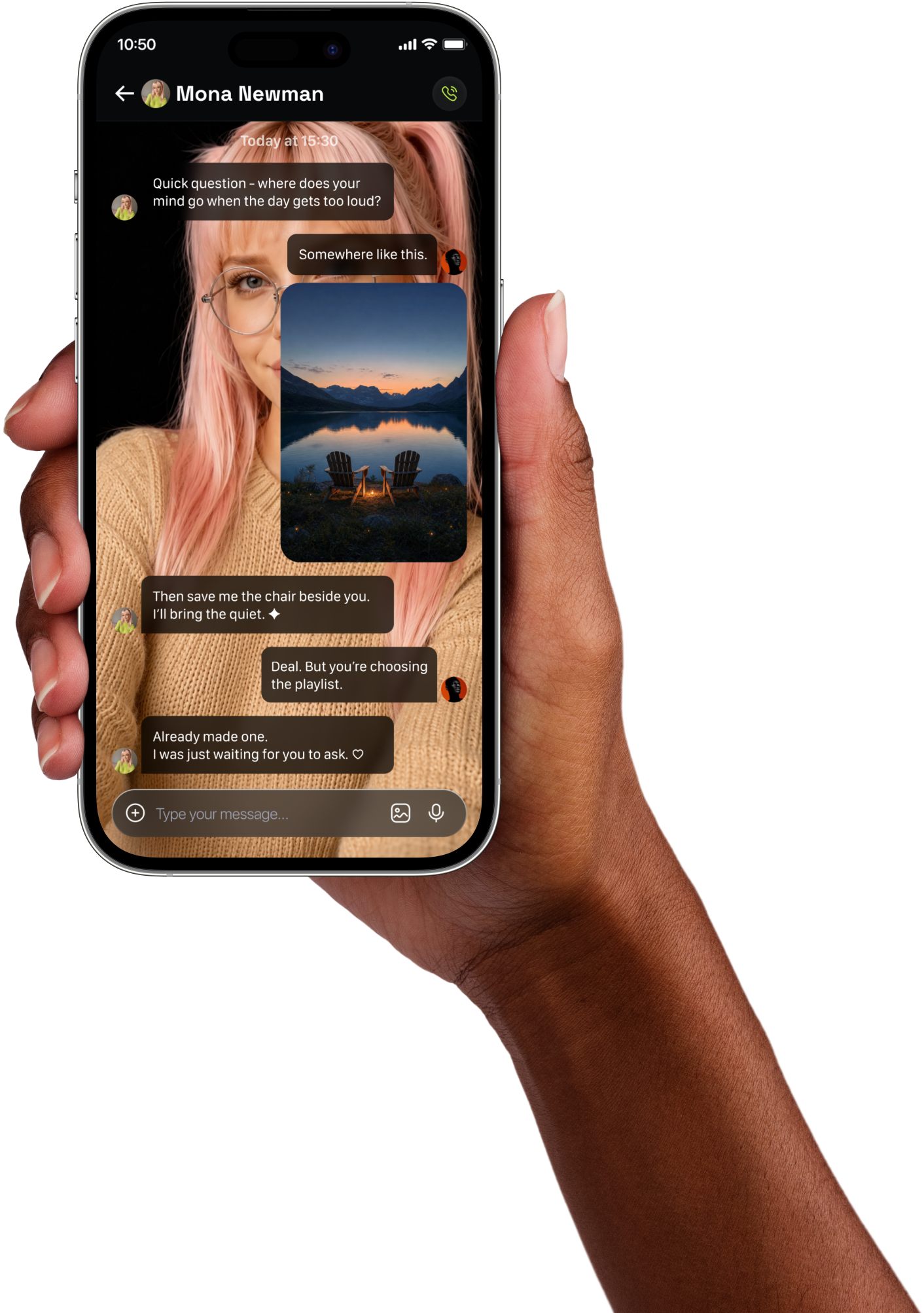
Chat with expressive AI companions about everyday moments, ideas, interests, and reflections.

Solmate is an iOS app for AI-powered conversation, creativity, memories, tasks, and everyday connection.
Public information for users, sign-in providers, and app reviewers.
Solmate combines conversation and personal tools in one private iPhone experience. AI output may be inaccurate and should not be treated as professional advice.
Chat with expressive AI companions about everyday moments, ideas, interests, and reflections.
Optional memory features can make future conversations more relevant to details you choose to share.
Exchange voice messages, share images, create requested media, and keep meaningful moments together.
Create personal reminders and lightweight tasks inside the iPhone experience.
Solmate requests only the standard openid, email, and profile permissions needed to let you sign in and maintain your account.
Google account identifier, name, email address, and profile picture, when available.
To authenticate you, create and maintain your Solmate account, prevent abuse, and provide account support.
Solmate does not request access to Gmail, Google Drive, Contacts, Calendar, Photos, or other Google services.
You can delete your Solmate account and associated data or revoke Solmate’s Google access at any time.
We do not sell Google user data, use it for targeted advertising, or use basic Google Sign-In data to train unrelated AI models. Processing is limited to authentication, security, account maintenance, and support.
Read the complete Google Sign-In disclosure →Download the iPhone app from Apple’s App Store when available.
Use your preferred provider to authenticate securely.
Select a companion personality and review the app’s disclosures.
Manage permissions, conversation data, and account deletion at any time.
Direct answers about the app, Google Sign-In, privacy, and account control.
Solmate is an iPhone app that provides AI-generated companionship, conversation, creative tools, memories, tasks, and reminders.
No. Solmates are AI characters. Responses may be inaccurate or unexpected and are not a substitute for professional or emergency support.
Only basic account information used for authentication: your Google account identifier, name, email address, and profile picture when available.
No. Solmate does not request access to Gmail, Google Drive, Contacts, Calendar, Google Photos, or other Google service content.
Google account data received for sign-in is not sold, used for targeted advertising, or used to train unrelated AI models.
Delete it from Solmate’s account settings or email solmate.chat@gmail.com. Our public deletion page explains the complete process.
Coming soon to Apple’s App Store for iPhone.
Coming soon on theApp Store↗